PlacementProduct page block

SmartBoost support
Troubleshooting help for rollout, storefront QA, and engine issues.
Use the setup guide for the normal install flow, then use this page when you need escalation on engine setup, theme placement, analytics, or storefront troubleshooting.
SignalsCatalog + session context
PrivacyAnonymous shopper data
Live Shopify app
Before contacting support
- Confirm SmartBoost is enabled in the embedded admin.
- Make sure your chosen engine is configured, whether that is built-in statistical mode, an external provider, or Ollama.
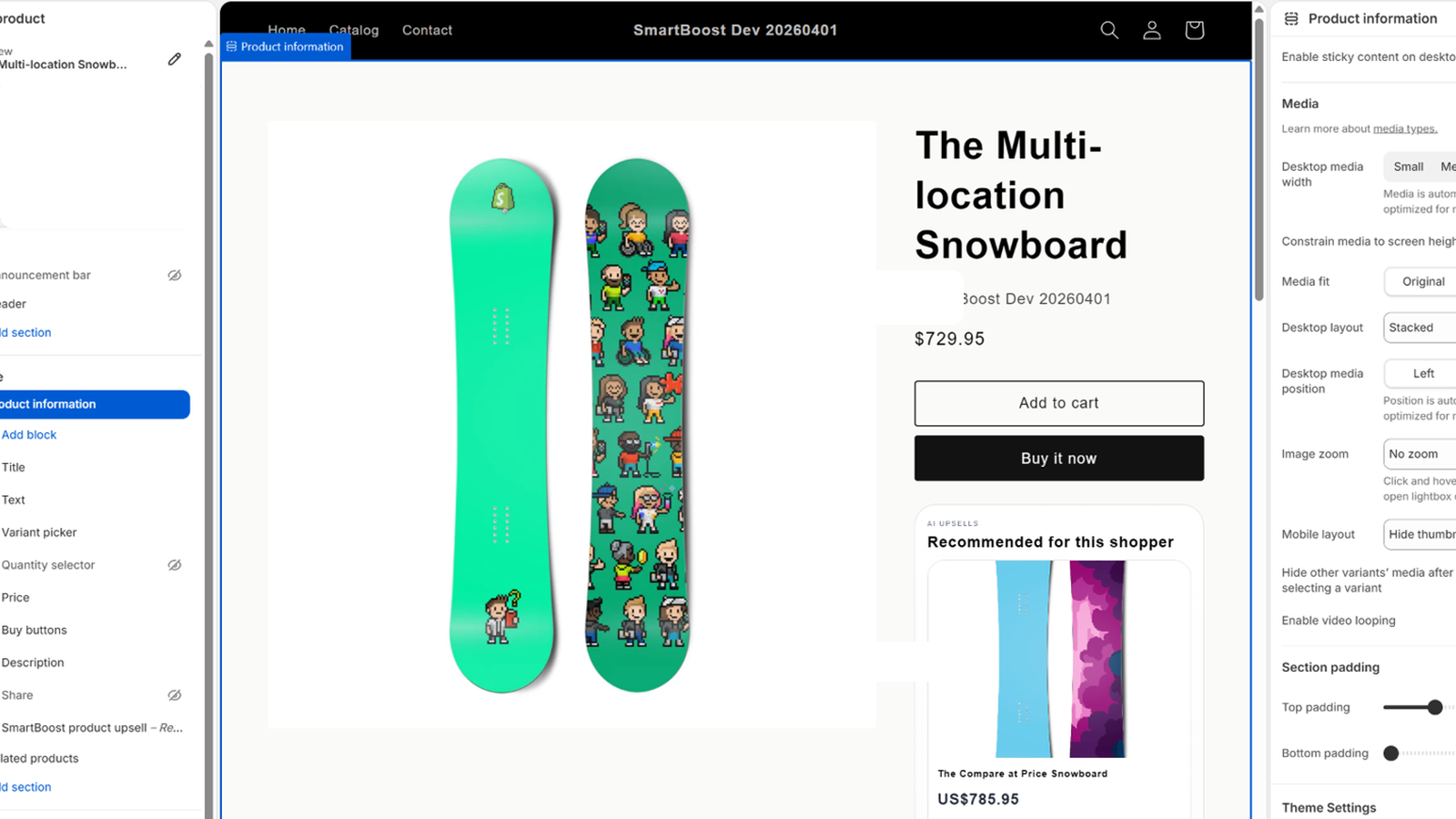
- Verify the SmartBoost product block is added to the product template.
- Run a manual product sync after major catalog changes.
Setup checklist
- Install SmartBoost and open the embedded admin in Shopify.
- Select your recommendation engine, add credentials only if that engine requires them, and enable the app.
- Open the theme editor and add the SmartBoost product block.
- Run a product sync if the catalog changed recently.
- Preview a product page and confirm recommendations load below the product area.
Contact support
Email: dhookster@gmail.com
Include your shop domain, the product page URL you tested, and whether the issue is in the embedded admin, theme block placement, or storefront recommendations.
SmartBoost support is provided in English and aims to respond within 2 business days.
Support scope
Support does not include custom theme development outside the SmartBoost block, third-party AI provider outages, or merchant-managed credentials unrelated to SmartBoost.