PlacementProduct page block

Shopify install
Install SmartBoost on your store.
Enter your Shopify domain to begin Shopify's secure install flow. You'll finish permissions and app access inside Shopify admin.
SignalsCatalog + session context
PrivacyAnonymous shopper data
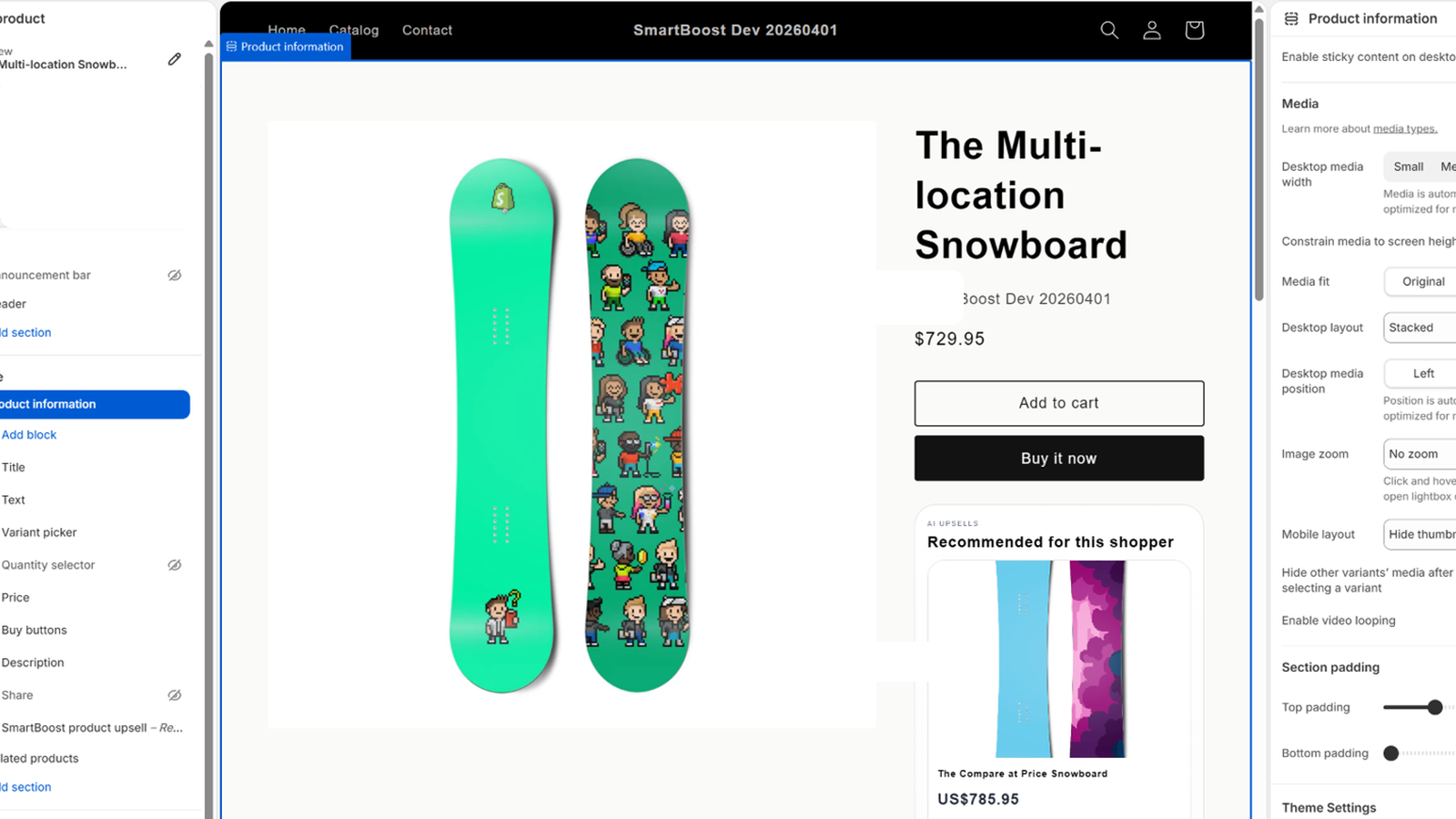
Live Shopify app
Connect your shop
What happens next
- Shopify opens the secure install screen for SmartBoost.
- You approve app access in Shopify admin.
- SmartBoost finishes setup, syncs products, and opens the embedded dashboard.
Before you install
- Install on an Online Store-enabled Shopify store.
- You can start with the built-in statistical mode if you do not have API tokens yet.
- Have your preferred provider details ready only if you plan to configure an external model immediately.
- Ollama only works if the SmartBoost backend can reach the configured Ollama host.
Need support?
Contact dhookster@gmail.com if the install handoff or Shopify approval screen does not appear as expected.